
Get Your Zendesk API Token
You can enter either a user password or an API token in Password. The field appears on selecting Basic authentication.

This article shows how to get an API token.
Get API Token
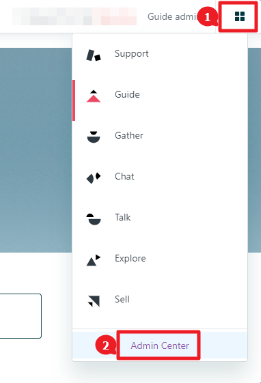
- Log into Zendesk and navigate to Zendesk Products > Admin Center.
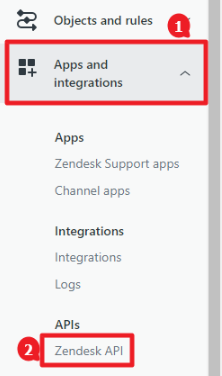
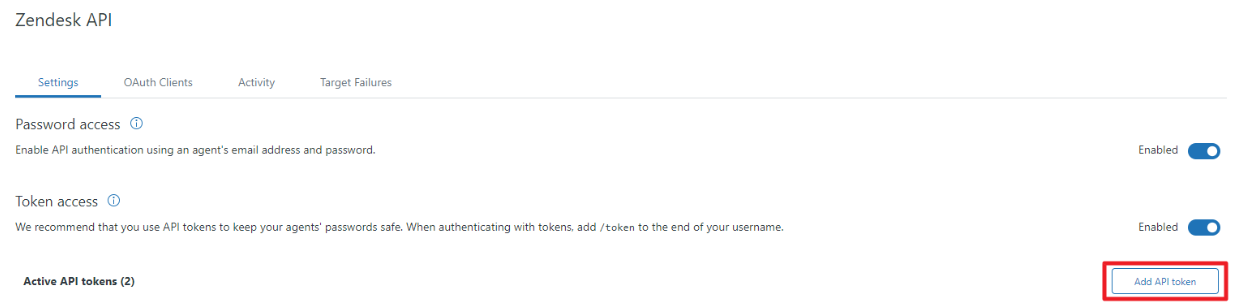
- Expand Apps and Integrations. Then open Zendesk API.
- Enable Password Access and Token Access.
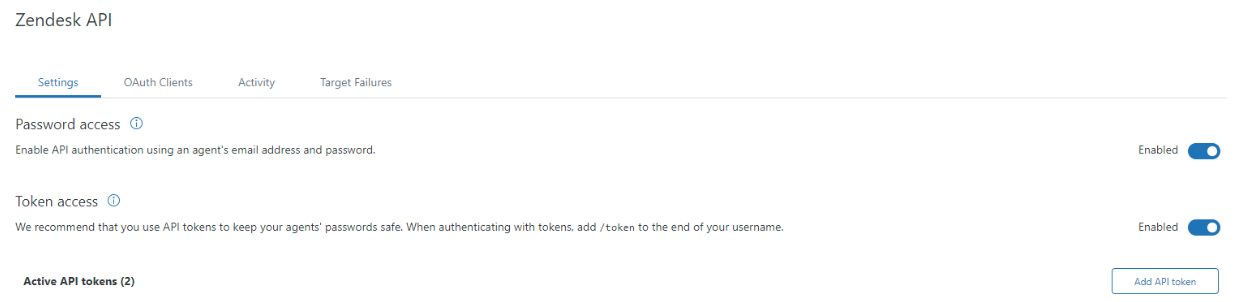
- Click Add API Token.
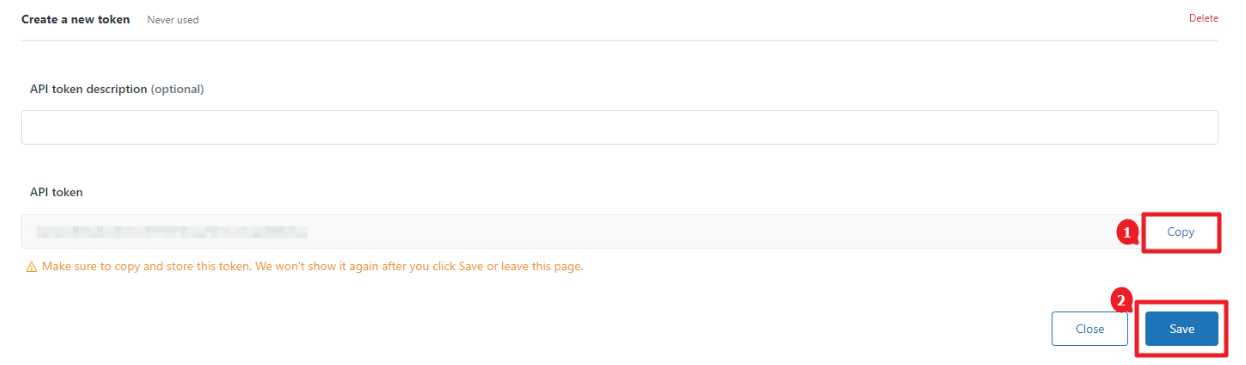
- Copy the API token and press Save.