

Deploy Knowledge AI on Salesforce
Until now, you have configured the Knowledge Agent in the Agentic Suite. In this section, you will learn how to install the configured agent on Salesforce. You can either perform the installation yourself or get assistance from the SearchUnify team.
For assisted installation, click Connect with Our Team.
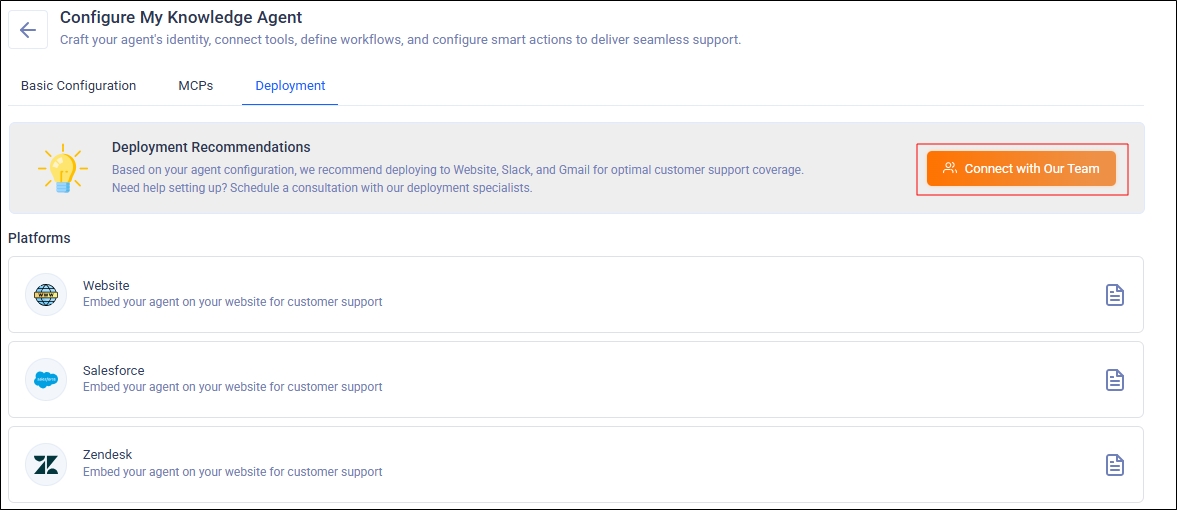
Fig. A snapshot of the Deployment screen.
If you’re installing the Knowledge Agent in Salesforce yourself, click the document icon to view the deployment instructions.
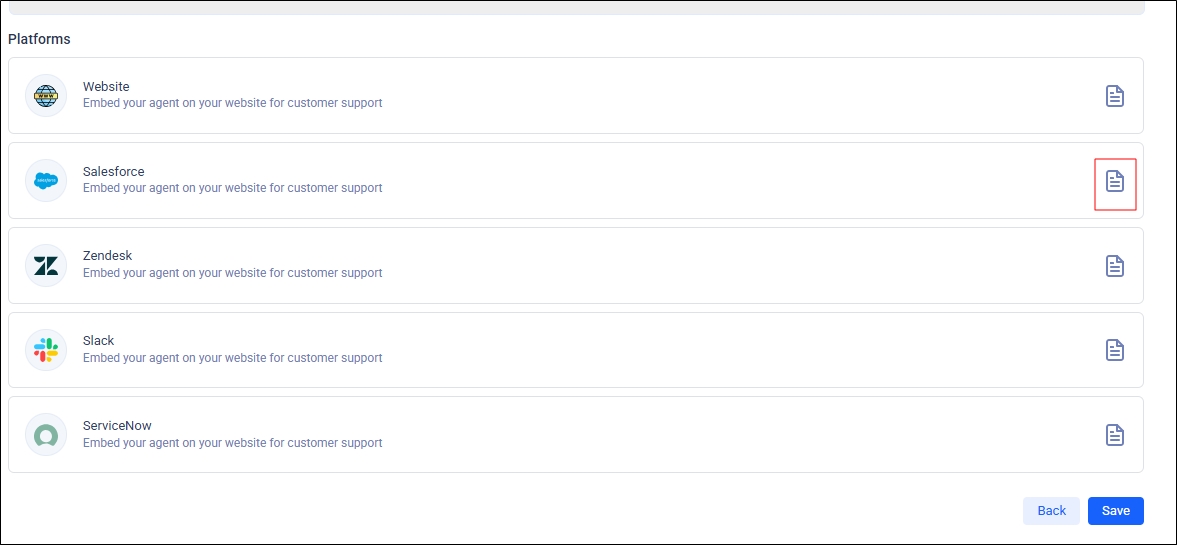
Fig. A snapshot of the Deployment screen.
Currently, only the Salesforce platform is supported. The next image displays the deployment instructions for the Salesforce platform.
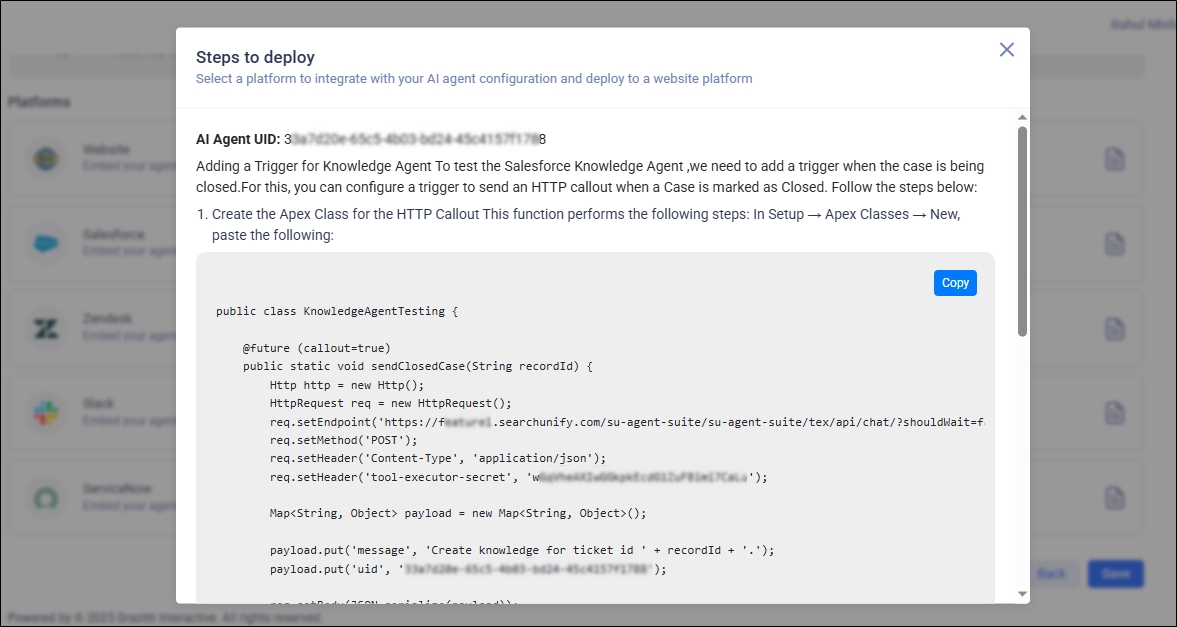
Fig. A snapshot of the Deployment screen.
Currently, only the Salesforce platform is supported. The next image displays the deployment instructions for the Salesforce platform.
Once you're done, click Save. Next, move to activating your agent on the Agents List screen.
Instructions
For a Knowledge Agent to work, it must be able to recognize when a case is marked as closed. Closed cases can be detected through HTTP callouts. Create the Apex Class for the HTTP Callout This function performs the following steps: In Setup → Apex Classes → New, paste the following:
KnowledgeAgentTesting
public class KnowledgeAgentTesting {

  @future(callout = true)
  public static void sendClosedCase(String recordId) {
    Http http = new Http();
    HttpRequest req = new HttpRequest();
    req.setEndpoint('https://yourcompany.searchunify.com/su-agent-suite/su-agent-suite/tex/api/chat/?shouldWait=false');
    req.setMethod('POST');
    req.setHeader('Content-Type', 'application/json');
    req.setHeader('tool-executor-secret', '<secret here>');

    Map < String, Object > payload = new Map < String, Object > ();

    payload.put('message', 'Create knowledge for ticket id ' + recordId + '.');
    payload.put('uid', '<uid here>');

    req.setBody(JSON.serialize(payload));

    HttpResponse res = http.send(req);
  }
}
Create the Apex Trigger Navigate to Setup → Object Manager → Case. Go to Triggers → New. Paste the following trigger code:
KnowledgeAgentTrigger
trigger KnowledgeAgentTrigger on Case(before update) {
  for (Case c: Trigger.new) {
    Case oldCase = Trigger.oldMap.get(c.Id);
    if (c.Status == 'Closed' && oldCase.Status != 'Closed') {
      KnowledgeAgentTesting.sendClosedCase(c.Id);
    }
  }
}
Test the Trigger
To test the trigger, close the case as per steps mentioned above.
-
Add a Remote Site Setting Before Salesforce allows the HTTP callout, the endpoint must be whitelisted.
-
Go to Setup → Remote Site Settings → New Remote Site.
-
Enter a Name (e.g., FeatureAIAPI).
-
Remote Site URL: https://yourcompany.searchunify.com/su-agent-suite
-
Trusted Site URL: https://yourcompany.searchunify.com/su-agent-suite
-
-
Click Save.