

Configure Session Expiry Time in Session Timeout
The Session Timeout setting in Search Clients > Edit > Analytics Settings > Analytics Properties allows you to specify when a user session should expire due to inactivity. The value must be entered in minutes.
-
The minimum timeout value is 1 minute.
-
The maximum timeout value is 60 minutes.
If the timeout value is set to n minutes, the search session will be considered expired or ended after n minutes of user inactivity.
Configure Session Expiry Time
-
Navigate to Search Clients > Edit > Analytics Settings > Analytics.
-
Enter a value between 1 and 60 minutes in the Session Timeout field.
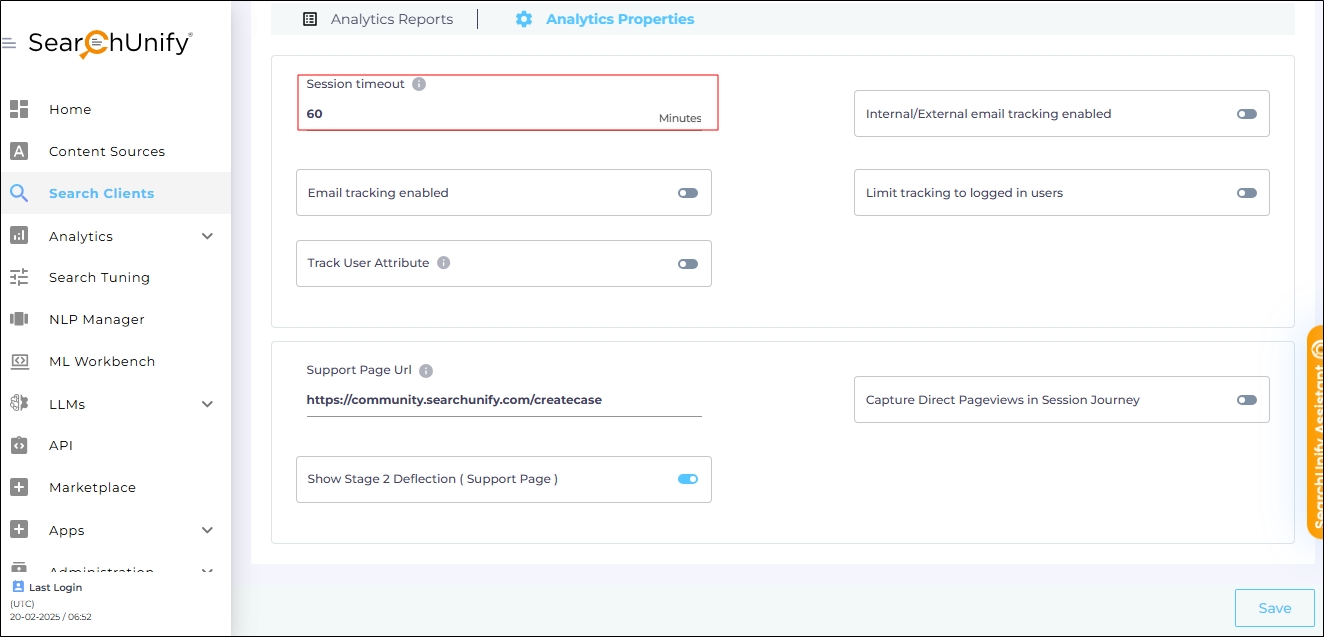
Fig. A snapshot of the Session Timeout field in Analytics Properties.
- Scroll down and click Save to apply changes.