Delete a Content Source
Deleting a content source removes it and its indexed data from the platform; it will no longer appear in search results. SearchUnify automatically cleans up the associated indexed content after deletion. Review any dependent configurations or customizations before deleting to avoid unintended impacts.
Alternatives to Deleting a Content Source
- If you wish to prevent documents from a content source from appearing in search, the recommended option is to unlink the content source from Search Clients > Edit > Content Sources.
- If you want to prevent documents from a content source from appearing in search, it is recommended to Use Create Formula for Document- and Role-Based Access Control.
Steps
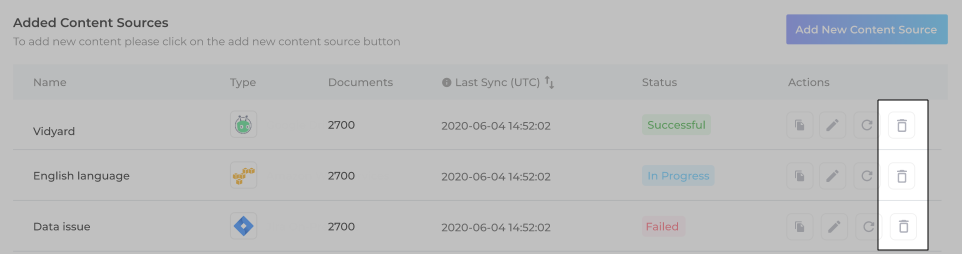
If none-of-the-above is your goal, then you can delete a content source by going to Content Sources and clicking  .
.
A warning appears, listing the search clients linked to the content source. After reviewing the list, you can either Delete the content source or click Keep to make no changes.