

Recent Searches
This is a configuration in Search Clients > Edit > Configurations. To read about other configurations available under this tab, return to Basic Search Client Configurations.
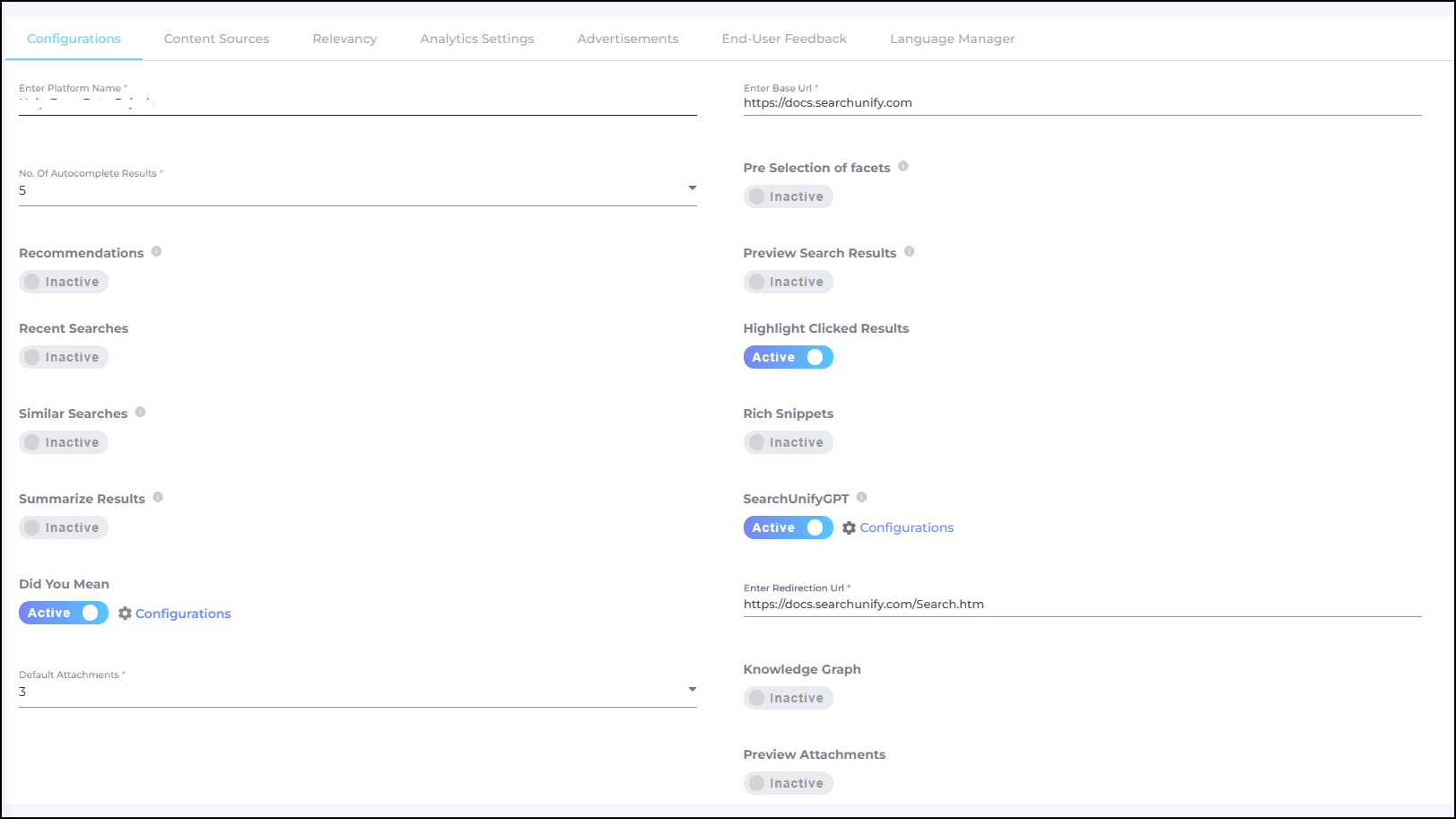
Fig. A snapshot of the Configurations tab in Search Clients.
Recent Searches
To show recent searches to search users, turn on the Recent Searches toggle.
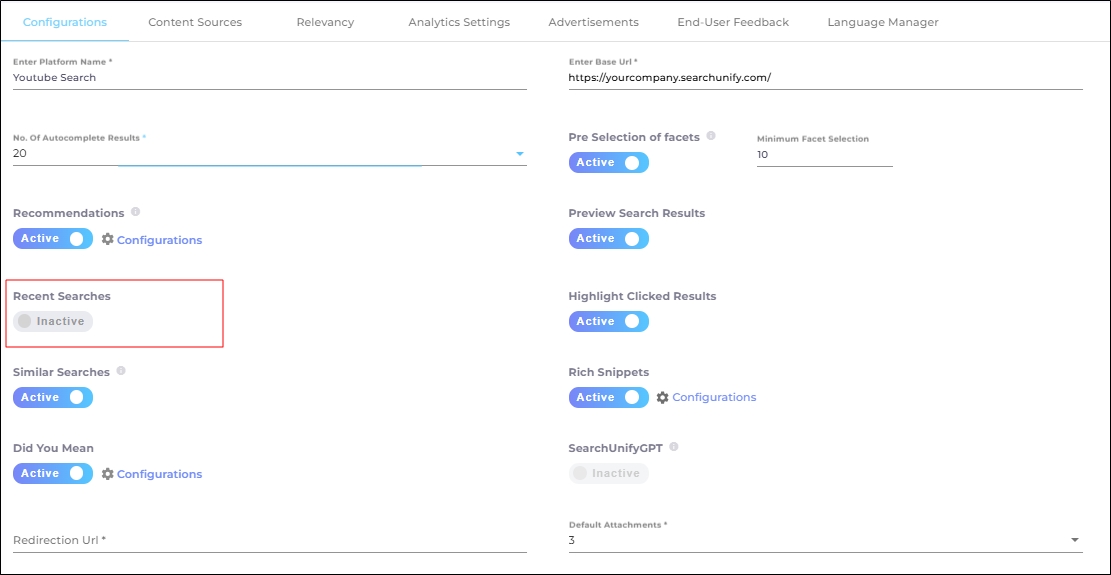
Fig. A snapshot of the Recent Searches toggle.
Recent Searches stores a history of search queries in the browser’s cache. When it is enabled, typeahead works with partially formed words.
In such cases, a query like "[clou...]" will produce suggestions if you or a team member has previously searched for terms such as "[how to i a report within cloud?]" or "[discovering your cloud]."
-
The recent searches marked with a clock icon represent the recent searches performed by the user within the current browser session and search client.
-
The recent searches displayed with a magnifying glass icon indicate recent searches from other sessions of the same search client.
Key distinctions between the typehead in Autocomplete Results and Recent Searches:
-
Autocomplete: Provides article title suggestions.
-
Recent Searches: Provides search query suggestions.
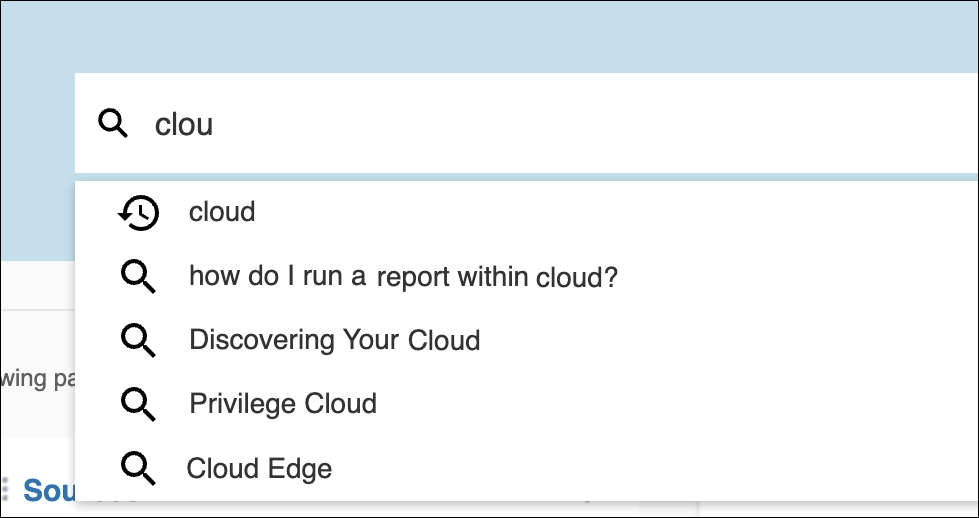
Fig. A snapshot of recent searches on a search client.